
All articles
The Death of the Laminated Menu: How QR Ordering Is Transforming the Modern Venue
That menu is costing you money. Not in print costs — though those stack up too — but in the invisible tax of a dining experience that starts three inches behind where it could.
There's a laminated menu somewhere in your venue. It's wiped down twice a day with a cloth that's done other things. It has a price crossed out in biro from six months ago. It lists a dish you stopped making in February. And every new customer who sits down picks it up, squints at it, and wonders whether this is the kind of place they want to be.
That menu is costing you money. Not in print costs — though those stack up too — but in the invisible tax of a dining experience that starts three inches behind where it could. The first impression isn't the room, or the welcome, or the lighting. It's the thing you hand a stranger to tell them what you're about.
The good news is that this particular problem is one of the most elegantly solved in modern hospitality.
What QR Menus Actually Mean in 2025 (and Beyond)
The phrase "QR menu" got a bad reputation during the pandemic, largely because the early implementations were terrible: a QR code pointing to a badly formatted PDF, hosted on a link that expired after six weeks, viewed on a phone with no zoom. That's not a digital menu. That's a laminated menu that takes longer to load.
Real QR-based ordering is something completely different, and the venues that have implemented it properly have seen the evidence. Research from Square found that restaurants using QR code-based payments experienced a 15% increase in table turnover. Mobile-friendly menus have been shown to increase order value by approximately 12%. These aren't marginal gains — at a venue doing 40 covers a night, a 12% lift in average spend is the difference between a good month and a great one.
Around 82% of restaurants in major tourist destinations now use digital QR menus, and 71% of tourists say they prefer restaurants that can translate menus into their own language on the spot. For venues in city centres or anywhere with an international clientele, that last point alone is worth the conversation.
The question isn't whether QR ordering belongs in the modern venue. It does. The question is what separates a QR menu that elevates the experience from one that just adds a step.
The Veno Difference: Technology the Guest Never Feels
Veno's QR menu is built on a single principle: the customer should never feel the technology.
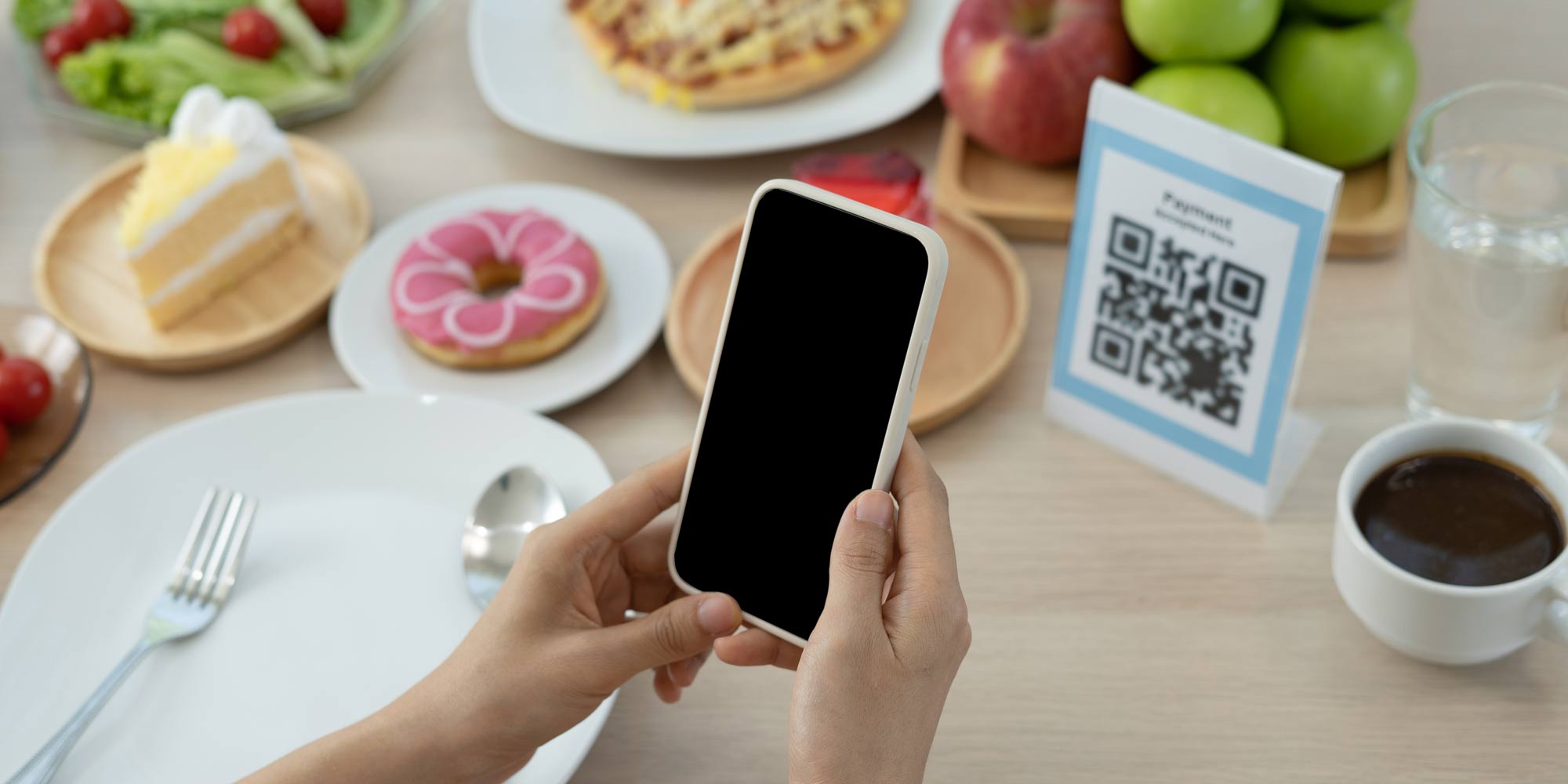
There is no app to download. No account to create. No redirect to an app store with a loading screen and a permission request. A guest sits down, points their camera at the table-card, and within two seconds they are reading a designed, photographed, multilingual menu that the venue updated five minutes ago.
That speed and frictionlessness matters more than it sounds. Every additional step in the ordering process is a moment where a guest's attention wanders, or their patience thins, or they decide to flag down a server instead — which defeats the purpose. You can explore how the full guest ordering experience works on the Veno QR menu page, but the short version is: it's designed to feel like the venue's own product, not a piece of software bolted on.
Per-Table QR Codes That Actually Know Where They Are
One of the subtler but operationally significant features is that each QR code is bound to a specific table. This sounds like a detail. It isn't.
When a guest at table seven orders two starters, a medium-rare sirloin with no pepper sauce, and a bottle of Malbec, that information doesn't arrive at the kitchen as an undifferentiated ticket. It arrives with the table number, the seat number (where collected), the modifiers clearly listed, and the allergen flags highlighted. The kitchen prints a food ticket. The bar prints a drinks ticket. The modifier "no pepper sauce, extra chimichurri" appears on the correct dupe.
This is the infrastructure of a smooth service, and it's where most venues that rely on verbal orders or handwritten pads quietly lose time and accuracy. A wrong order at table seven is a re-fire, a comped dish, and a guest who's been waiting twenty minutes longer than they needed to. At scale, across a full Saturday night, that's a significant operational cost.
Live Menus That Reflect Reality
Veno's menus update in real time. If you've run out of the sea bass, you mark it unavailable from the dashboard and it disappears from every table's menu on the next refresh. No staff member needs to memorise what's 86'd. No guest needs to be told "sorry, we've actually run out of that" after they've decided.
For venues that change prices seasonally, or run different menus for lunch and dinner, or want to push a daily special before service, this live control is transformative. Restaurants that update their menus regularly see 15–30% increases in customer return rates and excitement. Veno makes those updates something you do in a minute from your phone, not something that requires a designer, a print shop, and three days' lead time.
In-Menu Upsells and Modifier Intelligence
There's a moment in every ordering interaction where an experienced server earns their tips: the upsell. "Would you like to add a side of truffle fries? The burrata is incredible with the heritage tomatoes." Done well, this lifts basket size without the guest feeling sold to. Done poorly — or not at all, because the floor is six tables deep and nobody's got time — it's missed revenue.
Veno's modifier system (ModifierPicker) brings that moment into the menu itself. Guests building their order see the relevant add-ons, upgrade options, size selections, and allergen swaps at the point of decision. They can add a note in free text. They can swap the sauce, add the extra side, upgrade to the larger glass. The venue has configured what appears and when — so the upsell is consistent, never forgotten, and never pushy.
Multilingual Without the Faff
Veno's guest experience runs in English, Spanish, French, Italian, Portuguese and Romanian, with locale auto-detection on the device. For venues near city centres, tourist attractions, or in cosmopolitan neighbourhoods, this is no longer a nice-to-have. It's a basic expectation.
The alternative — printed menus in multiple languages, or staff who speak the required languages, or just hoping the guest manages — all carry costs that a multilingual digital menu eliminates in one go. The Veno table ordering flow handles the full multilingual experience, including the modifier options and allergen information, in every supported language.
Dine-In and Takeaway on the Same Menu
One of the more underappreciated features of Veno's QR setup is that dine-in and takeaway flows run from the same menu, with separate checkout paths. A guest walking in for a table and a guest ordering to take away see the same gorgeous, photographed menu. They just reach different ends of the journey.
For venues that do both — and most do — this means one menu to manage, one set of prices to update, one dashboard to run. Not two systems, two sets of logins, two places where the sea bass is still listed when it's been off for three days.
The Operational Mathematics
Let's put some numbers against this, because the emotional argument for a better menu experience only goes so far with operators managing tight margins.
A 12% improvement in average spend from better in-menu upsells — which research consistently attributes to mobile-friendly ordering — is meaningful at any volume. On a 40-cover night, five nights a week, that compounds quickly. The 10–15% improvement in table turnover efficiency associated with contactless ordering compounds on top of that: faster ordering means fewer covers waiting, more covers served.
And then there's print cost — perhaps the most concrete saving. One European digital menu platform reported operators saving up to £500 per month just by avoiding seasonal reprints and last-minute price changes. For venues reprinting menus multiple times a month, switching to a live digital menu typically reaches break-even inside a year — after which it's pure saving.
Why Veno Over Standalone QR Menu Tools?
There's a reasonable question here: several standalone QR menu tools exist, some with free tiers. Why use Veno instead?
The answer is integration. A standalone QR menu tool does one thing. Veno's QR menu is the front end of a complete venue operating platform. The order that comes in through the QR menu routes directly to the kitchen and bar via Veno's order management system. It logs in the analytics dashboard. It decrements stock from inventory. It ties to the customer record if the guest has booked or ordered before.
A standalone QR menu means manually reconciling orders against your POS, updating stock separately, and running your kitchen on a different system. Veno removes all of that duplication. One scan from a guest propagates cleanly through the entire operation — from phone to kitchen ticket to the end-of-night Z-report.
For a venue that's serious about running efficiently rather than just looking modern, the difference between a bolted-on QR menu and one that's native to the platform isn't cosmetic. It's operational.
Getting Started
The setup is faster than you'd expect. Veno is built to be running in under fifteen minutes — menu loaded, QR codes printed, tables configured. There's no hardware to buy, no specialist installation, and no developer required. The dashboard where you manage the menu is the same one where you run the rest of the venue.
If you're running on a laminated menu with a biro-crossed price and a dish you stopped making in February, the upgrade is overdue. Start a free 14-day trial at venoapp.com and see what the first two seconds of your guest experience could feel like.
Veno is a complete venue management platform for restaurants, cafes, pubs and bars. The QR menu is one part of a system that covers reservations, staff management, analytics, inventory, and more — all from a single dashboard.
Keep reading
All articles →
21 August 2026
QR Ordering Without a Till: How Salons, Barbers, Food Trucks and Coffee Carts Take Orders From a Phone
Read →
19 July 2026
The Two-Minute Website: How Trade Businesses Are Booking Jobs and Showing Their Work Without Building a Site
Read →
19 July 2026
How Plasterers Are Swapping the Diary for a Booking Page They Actually Own
Read →See it in your venue.
Two weeks free. No card. Up and running the same day.